YouTube recommends videos based on what viewers search for, watch, and enjoy. Understanding how the YouTube algorithm works in 2026 can help creators reach the right audience. It uses watch history, viewer interests, and video performance to suggest content on YouTube Home, Suggested Videos, and the Shorts feed.
However, attracting more views is not enough just by posting videos on a regular basis. Watch time, click-through rate (CTR), audience retention, and viewer satisfaction affect video recommendation.
Now, the question is: how can certain videos attract hundreds or even thousands of views while others fail to grab attention? Learn about seven factors that affect the YouTube recommendation algorithm.
What Is the YouTube Algorithm?
The YouTube algorithm is designed to recommend videos based on viewer interests, view history, and search activity. It helps people discover content they are likely to enjoy.
The algorithm looks at metrics like view time, click-through rate (CTR), and viewer satisfaction to decide which videos to recommend.
YouTube can suggest videos from small channels when their content matches audience interests. This helps new creators get more views on YouTube and reach people who may enjoy their videos.
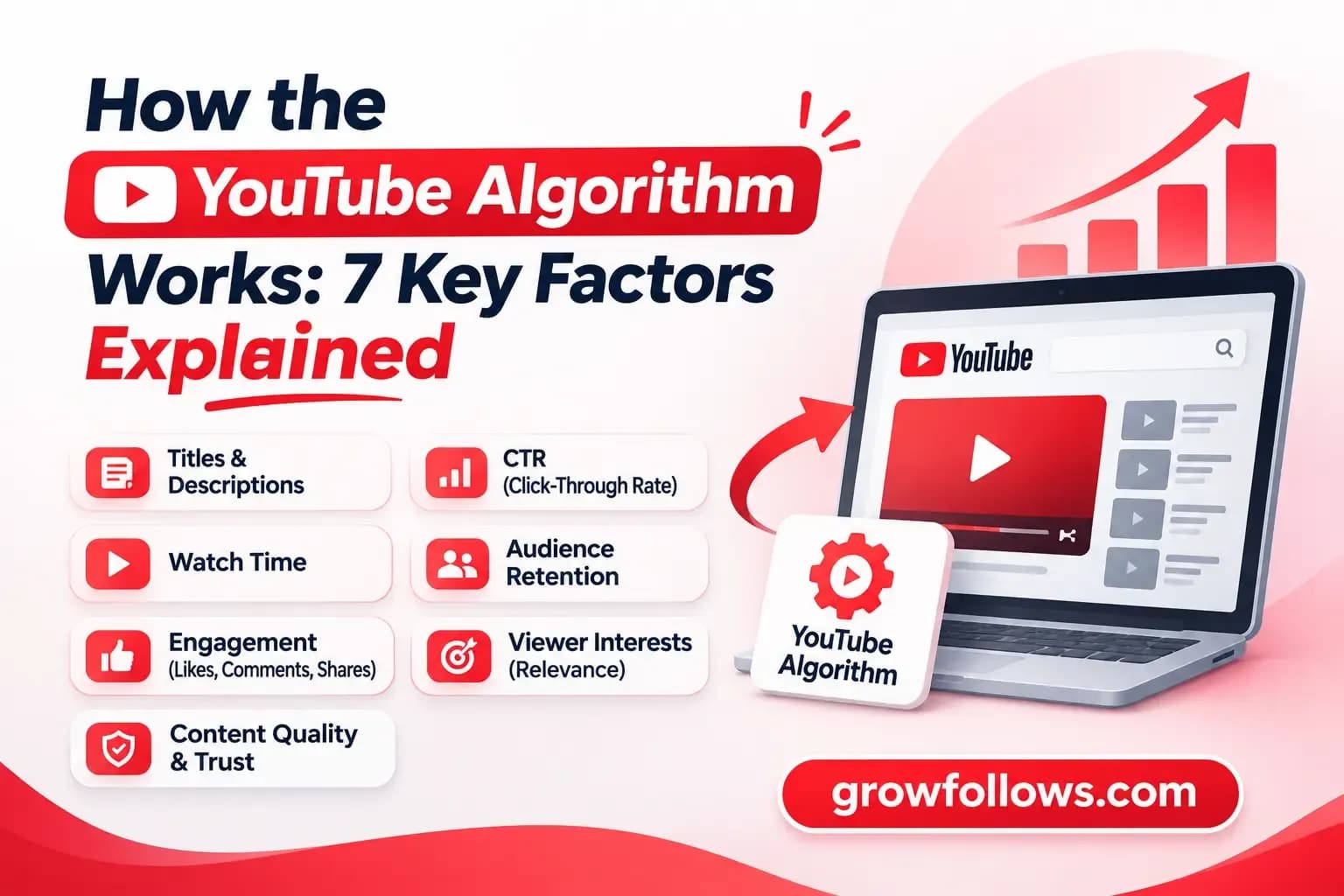
How the YouTube Algorithm Works: 7 Key Factors
YouTube's recommendation algorithm matches videos with viewers based on their interests, view history, and viewing habits. It uses different signals to decide which videos to recommend.
The algorithm also looks at how people actually watch and respond to content. When videos match viewer interests and keep them engaged, YouTube is more likely to recommend them. Here are seven key factors that influence how videos get recommended on YouTube.
1. Video Titles and Descriptions
YouTube uses video titles, descriptions, captions, and spoken content to understand what a video is about. These details support YouTube in matching videos with relevant search queries.
For better YouTube SEO, include your main keyword naturally in the title and write clear descriptions. Understanding how the algorithm works can help new creators improve video relevance and attract more viewers.
YouTube's algorithm also considers how viewers respond to your content, so avoid misleading titles and descriptions.
2. Watch Time and Audience Retention
View time measures how long viewers spend watching a video. Audience retention shows how much of it they watch before leaving.
For example, if people leave during the first 20 seconds, your introduction may need improvement. Check the retention graph in YouTube Studio to see where viewers lose interest.
3. Click-Through Rate (CTR)
Click-through rate measures how often viewers click after seeing a registered YouTube thumbnail impression.
An attractive title and thumbnail can improve CTR. However, a lower CTR doesn't always mean poor performance. Compare impressions, view time, and CTR before making changes.
4. Likes, Comments, and Shares
Likes, comments, and shares are engagement metrics YouTube uses to understand viewer responses on its social media platform.
These signals show whether people find a video interesting. However, the algorithm doesn't reward engagement alone. A video with fewer likes can still reach more viewers if people enjoy watching it.
5. Viewer Behavior and Interests
YouTube's algorithm looks at watch history, search activity, and viewing preferences to personalize recommendations.
For example, someone who regularly watches photography tutorials may see more videos about camera settings and editing techniques.
For marketers and creators, understanding these habits helps identify topics that interest their audience.
6. Video Relevance
YouTube Search considers how closely video titles, descriptions, and content match a viewer's search query.
For example, someone searching for "how to edit YouTube Shorts" expects an editing tutorial, not general advice about channel growth.
According to YouTube's official search and discovery guidance, topic interest, competition, and seasonal demand can influence how often videos get recommended.
7. Content Quality and Trustworthiness
YouTube aims to recommend reliable information, especially for sensitive topics such as health, science, and news. It considers additional quality and authority signals when evaluating this content.
For example, medical advice should come from qualified sources rather than unsupported claims. Share accurate information, answer viewers' questions, and make sure your videos deliver what their titles promise.
Where Does YouTube Suggest Videos?
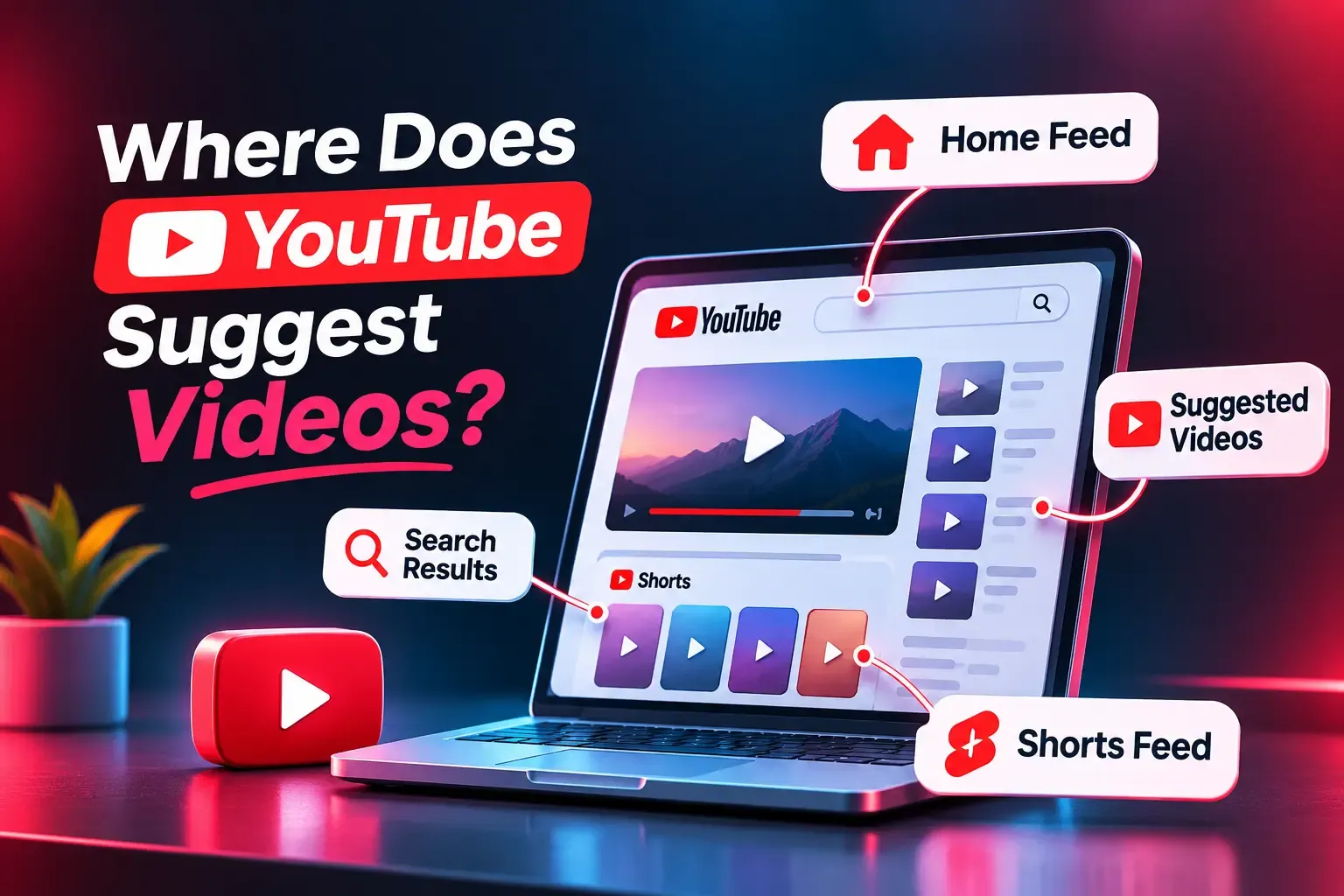
YouTube's algorithm recommends videos based on watch history, interests, and engagement.
The algorithm takes into account signals like viewing behavior and video relevance. YouTube also uses titles and descriptions to understand content and show videos people may enjoy.
1. YouTube Homepage
The homepage shows personalized video recommendations based on watch history and interests. The algorithm looks at topics viewers regularly enjoy to suggest relevant content.
2. Suggested Videos
Suggested videos appear beside or below the current video. YouTube's recommendation system uses viewing habits and related topics to decide which videos to recommend next.
3. YouTube Shorts Feed
It has become a popular way to discover short videos. Like Instagram Reels, its algorithm considers viewer behavior and engagement to suggest content people may enjoy.
4. YouTube End Screens
End screens appear near the end of a video. Creators use them to promote related videos, playlists, and subscriptions, encouraging viewers to continue watching.
How Does the YouTube Shorts Algorithm Work?
The YouTube Shorts algorithm recommends videos based on viewer interests, watch history, and engagement. It tracks whether people watch, swipe away, or continue viewing.
Key YouTube ranking signals include:
- Viewed vs. Swiped Away: How often viewers watch instead of skipping.
- Engaged Views: Views that continue beyond the first few seconds.
- Audience Retention: How long viewers keep watching.
- Viewer Satisfaction: Likes, feedback, and viewing behavior.
To improve Shorts performance, start with an interesting opening and keep viewers watching.
How to Work With the YouTube Algorithm
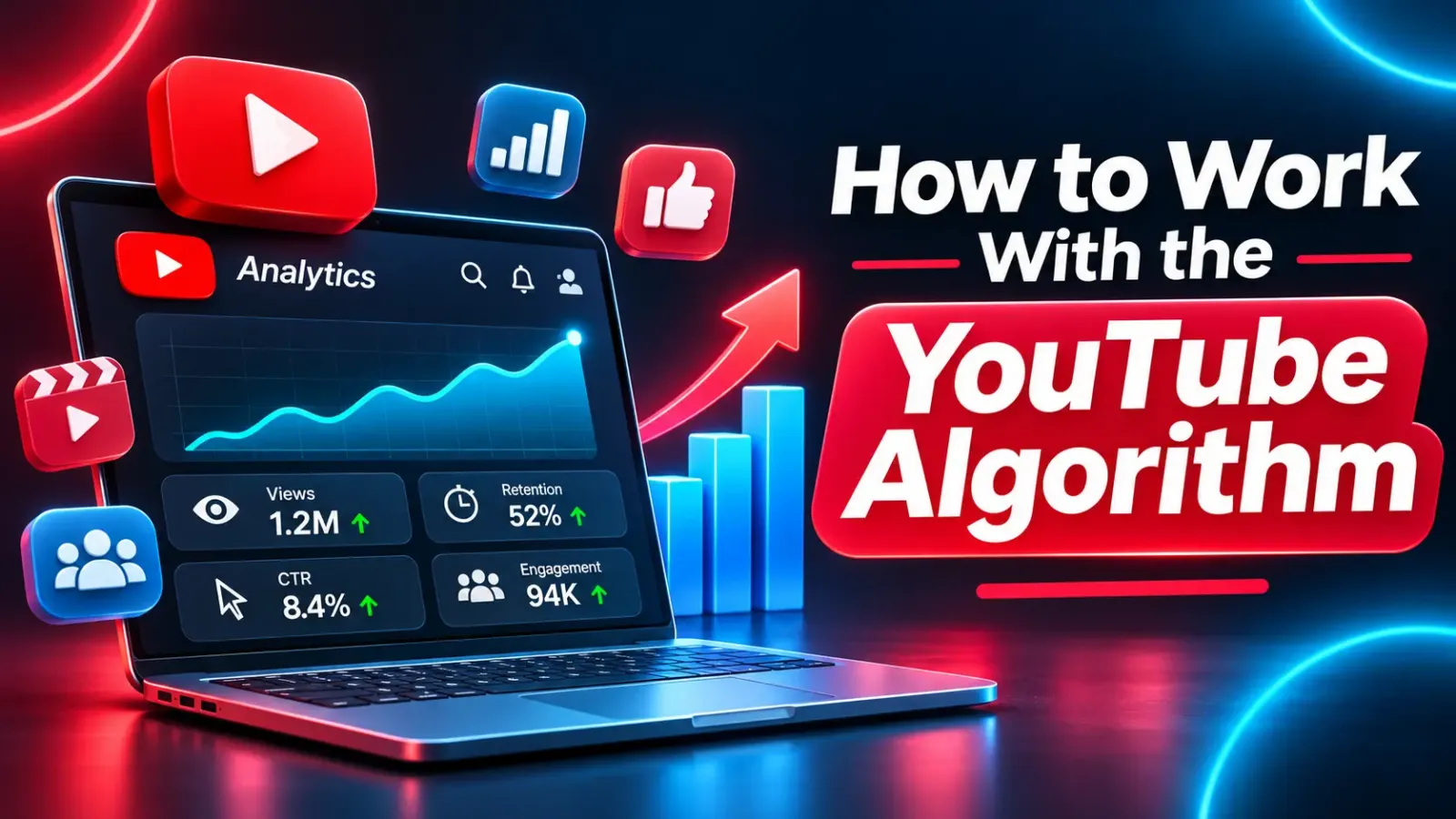
To work with the YouTube algorithm rewards, focus on video relevance, audience retention, and viewer satisfaction. YouTube recommends content based on viewer interests and how people respond to videos. Follow these eight tips to improve your video performance.
1. Find Topics Your Audience Searches For
Use YouTube Search suggestions and YouTube Studio's Trends tab to find popular search terms, content gaps, and questions your viewers want answered.
2. Improve Video Titles and Thumbnails
Write clear titles with relevant keywords and create thumbnails that match your content. Check your click-through rate (CTR) to see how viewers respond.
3. Capture Attention Early
Start with the main topic or a useful example. Avoid long introductions that may cause viewers to leave before reaching the important information.
4. Increase Audience Retention
Keep your videos focused and remove unnecessary parts. Check YouTube Studio's audience retention graph to identify where viewers stop watching.
5. Optimize for YouTube Search
Include relevant keywords in video titles and descriptions. Add accurate captions and chapters to help viewers understand and navigate your content.
6. Improve YouTube Shorts Performance
Make the first few seconds interesting and focus on one clear topic. Track Stayed to Watch and Engaged views in YouTube Analytics to measure Shorts performance.
7. Use Playlists and End Screens
Group related videos into playlists and add end screens to help interested viewers find more content from your channel.
8. Track Performance and Competition
Review impressions, CTR, average view duration, and traffic sources in YouTube Analytics. Compare similar videos to understand audience preferences and improve future content.
How to Analyze YouTube Video Performance
YouTube Studio helps you track video performance and understand how viewers respond to your content. YouTube Analytics provides useful metrics to measure views on YouTube and identify areas for improvement.
- Impressions and CTR: Check how often your thumbnails appear and how many viewers click. This helps YouTube understand viewer interest.
- Audience Retention: See how long people watch and where they leave. The algorithm pays close attention to viewing behavior.
- Traffic Sources: Find out whether views come from YouTube Search, Suggested Videos, Home, or Shorts.
- Returning Viewers: Track how often people return to watch your content.
- Video Comparison: Compare watch time, engagement, and views to identify your best-performing topics.
Use these results to improve your content and help the algorithm match your videos with interested viewers.
Does YouTube Favor Small Channels?
No, YouTube does not automatically favor small or new channels. Its recommendation algorithm pays close attention to viewer interests, watch time, and audience satisfaction rather than subscriber count alone.
Tips for small creators:
- Choose a niche: Focus on topics your audience wants to watch.
- Improve titles: Use relevant keywords and clear thumbnails to support YouTube understand your content.
- Build trust: Share accurate information that encourages people to watch.
- Track performance: Check CTR and audience retention in YouTube Studio.
Even if one video performs poorly, it does not automatically hurt your channel's future recommendations.
Common Myths About the YouTube Algorithm
Many creators believe that posting daily or getting more subscribers guarantees higher views. However, YouTube focuses on viewer interests, content performance, and satisfaction.
Focus on useful content and check YouTube Analytics instead of following these myths.
Can an SMM Panel Help YouTube Growth?
Yes, an SMM panel can help creators and businesses manage YouTube promotion through views, likes, and subscriber services in one place.
GrowFollows offers affordable packages and an easy ordering process. Its YouTube SMM panel allows users to explore services that match their budgets and marketing goals.
These services can support promotional efforts, while YouTube recommendations depend on viewer interests, watch time, and audience satisfaction. For lasting growth, focus on useful videos and genuine engagement.
Why Choose GrowFollows for YouTube Growth Services?
GrowFollows offers affordable YouTube promotion packages, quality-focused services, and helpful customer support.
Creators and businesses can explore YouTube views and YouTube likes based on their budgets and marketing goals.
From my experience, the ordering process was simple, and customer support was helpful. Selected packages also include refill options, depending on the service terms. Check the available packages and pricing to find a suitable option for your channel.
Final Thoughts
By understanding how the YouTube ranking algorithm works, you will be able to attract more viewers for your channel. YouTube takes into account watch time, audience retention, engagement rate, and the satisfaction of the viewer while suggesting videos.
To increase views on your channel, create valuable YouTube content, select interesting topics, and improve your video titles and thumbnails. With the help of YouTube Studio, you can analyze the watching behavior of your audience. Pay attention to the way your videos are viewed within the first 30 seconds.
Frequently Asked Questions
1. How Does YouTube Decide Which Videos to Recommend?
YouTube's recommendation system uses watch history, viewer interests, and engagement to suggest relevant videos. It aims to prioritize content viewers may enjoy.
2. How Does the YouTube Algorithm Work for New Channels?
YouTube can recommend videos from new channels when their content matches audience interests. Good YouTube SEO and useful videos can help attract new viewers.
3. Does Watch Time Affect YouTube Recommendations?
Yes, watch time and audience retention help YouTube rank and measure viewer engagement. Longer viewing sessions can indicate that people find a video useful.
4. Do Likes and Comments Help YouTube Rankings?
Yes, likes and comments are engagement signals, but they do not guarantee higher rankings. Following YouTube best practices and creating relevant content also matter.
5. How Long Does YouTube Take to Recommend a Video?
There is no fixed timeline for when videos get recommended. YouTube and TikTok may suggest content based on viewer interests, performance, and search engine relevance.
6. Can GrowFollows Help Promote My YouTube Channel?
GrowFollows offers services to promote your YouTube channel through views, likes, and subscribers. Explore affordable packages and choose one that matches your budget and marketing goals.